
How Draft upgrades work
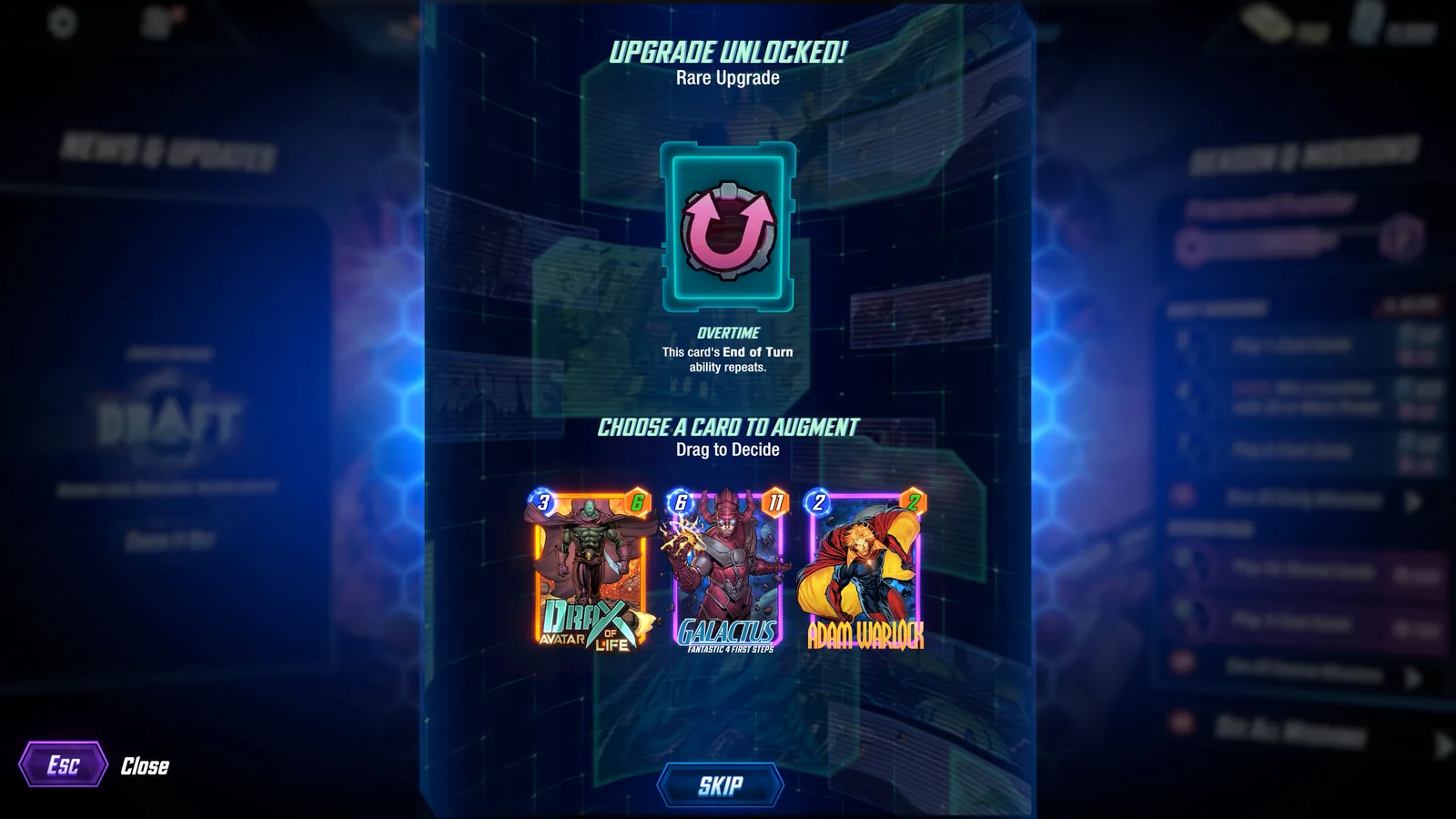
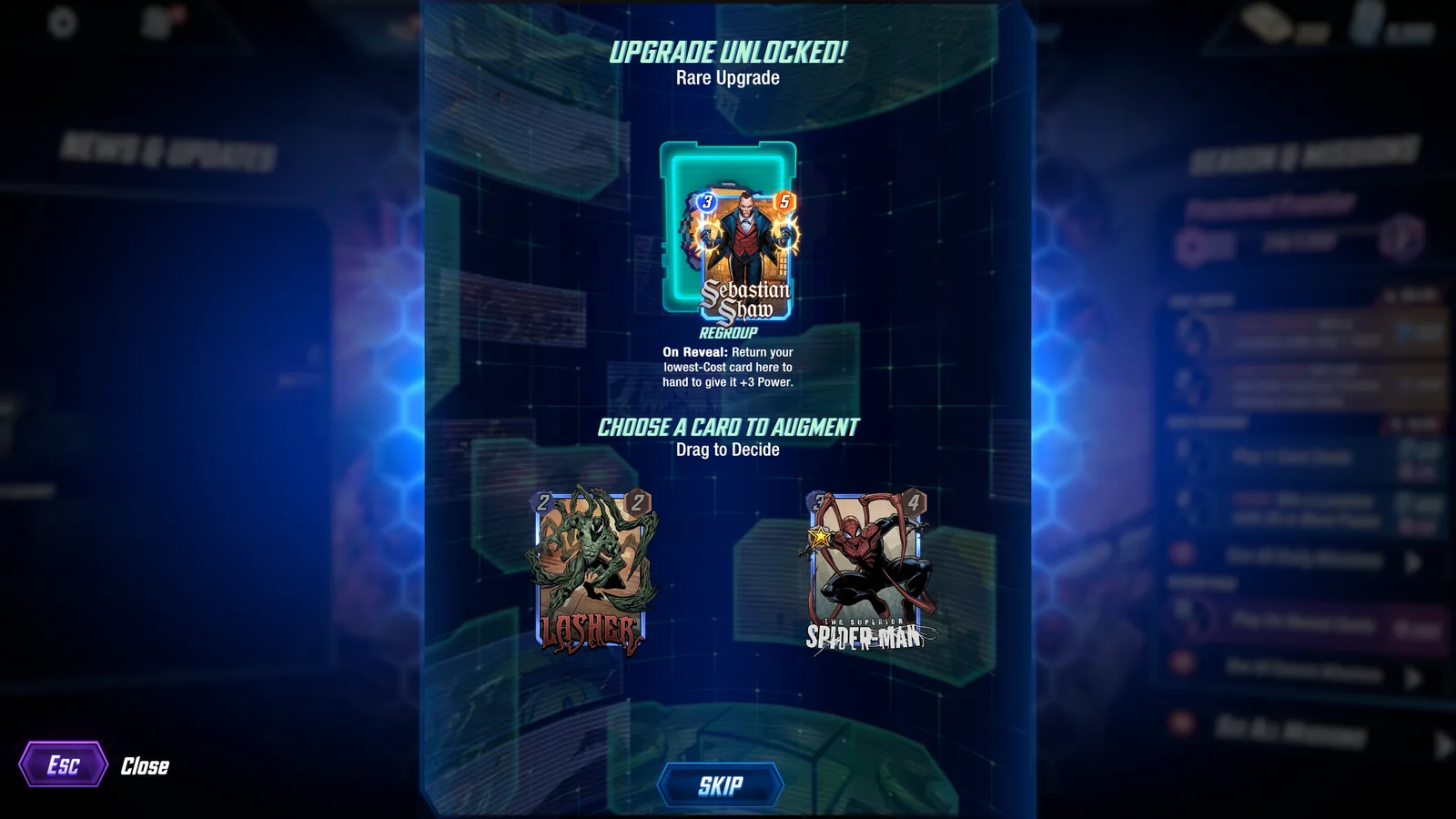
After every match, Draft gives you a chance to improve the deck. Before 12 cards, an upgrade can add a card. The official FAQ caps the deck at 12 cards. Once the deck reaches that cap, post-match upgrades are Augments instead of additional cards.
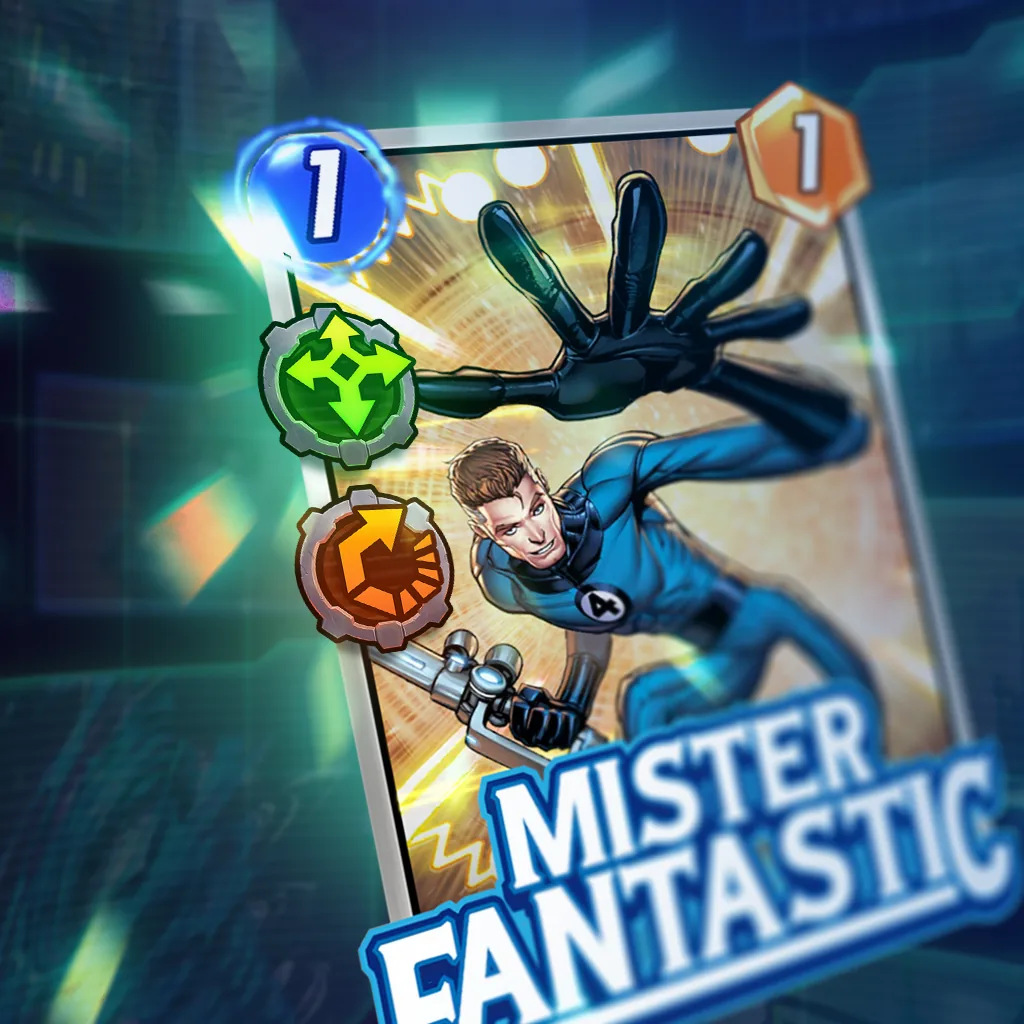
The game can also offer a card that already has an Augment. A card can hold more than one Augment, so combinations are part of the format. The best target is usually a card that already does something the Augment can repeat, protect, trigger, or turn into a second source of value.
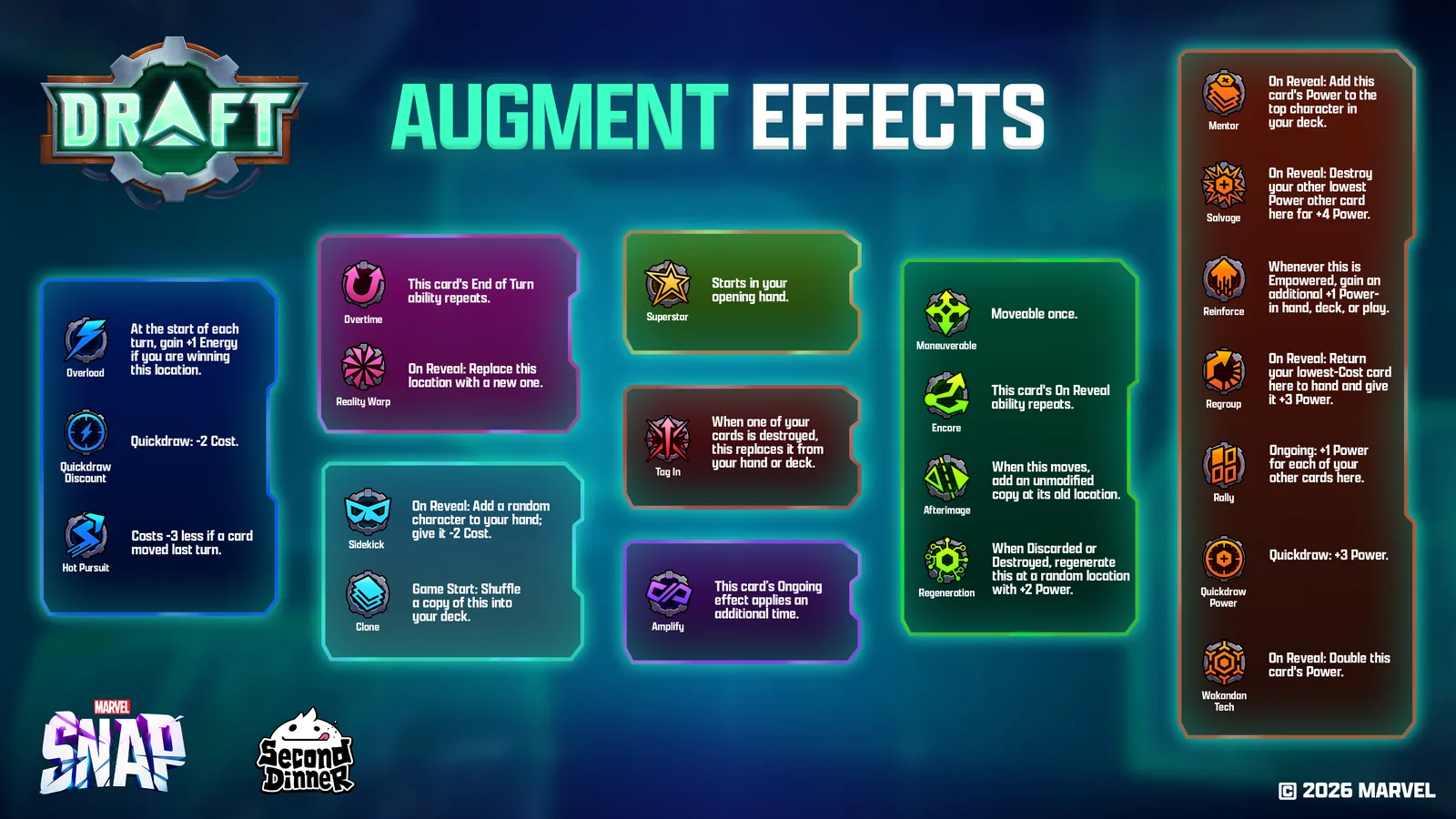
The 21 active core Augments
Energy, draw timing, and consistency
 OverloadAt the start of each turn, +1 Energy if you are winning this location.
 Quickdraw: DiscountQuickdraw: -2 Cost.
 Hot PursuitCosts 3 less if a card moved last turn.
 SuperstarStarts in your opening hand.
 Quickdraw: PowerQuickdraw: +3 Power.
 CloneGame Start: Shuffle a copy of this into your deck.
Repeat, grow, and multiply
 OvertimeThis card's End of Turn ability repeats.
 EncoreThis card's On Reveal ability repeats.
 AmplifyThis card's Ongoing effect applies an additional time.
 Wakandan TechOn Reveal: Double this card's Power.
 MentorOn Reveal: Add this card's Power to the top character of your deck.
 ReinforceWhen this is Empowered, gain an additional +1 Power.Works in hand, deck, or play.
Board position and movement
 ManeuverableMoveable once.
 AfterimageWhen this moves, add an unmodified copy to the old location.
 Reality WarpOn Reveal: Replace this location with a new one.
 RallyOngoing: +1 Power for each of your other cards here.
 SidekickOn Reveal: Add a random character to your hand. Give it -2 Cost.
Destroy and return value
 Tag InWhen one of your cards is destroyed, this replaces it from your hand or deck.
 RegenerationWhen Discarded or Destroyed: Regenerate this with +2 Power at a random location.
 SalvageOn Reveal: Destroy your lowest-Power other card here for +4 Power.
 RegroupOn Reveal: Return your lowest-Cost card here to hand to give it +3 Power.
What Quickdraw means
Quickdraw effects are active on the first turn after you draw the card. The client describes the timing as the first turn you draw them, or the next turn if cards are already revealing. Quickdraw: Discount gives the card -2 Cost. Quickdraw: Power gives it +3 Power.
Quickdraw asks a different question from a permanent Augment. You need to know whether you can use the card in the window that unlocks the bonus. A discounted card that cannot be played that turn is still useful later, but the defining reward has passed.
Augments versus stat boosts
Augments add or change card text. Stat boosts change a card’s Cost or Power without adding a new ability. The official Draft blog uses a 4-Cost Vision or an 11-Power Vision as examples. Both types of modification can be strong, but they are evaluated differently.
Stat boosts are simple and reliable. Augments can be much stronger when they line up with the card. Wakandan Tech wants enough base Power that doubling matters. Amplify wants valuable Ongoing text. Encore wants an On Reveal effect that remains safe and valuable when repeated.
High-value pairing principles
- Put Superstar on a card that matters early or needs to be reliably drawn.
- Put Mentor on a card with enough Power that the top-deck boost changes future draws.
- Put Tag In on a card you want to enter the lane after a destroy trigger.
- Put Amplify on an Ongoing payoff, not a card that merely has the word Ongoing.
- Put Encore on an On Reveal that remains good when doubled. A repeated effect can repeat a risk.
- Use Afterimage and Maneuverable to make a movement plan more flexible, not to force Move into a deck with no location plan.
Rare events are not normal Augments
Gift of Thanos, Zombie Horde, HULK OUT, and Miniaturized Lab are rare-event systems. They can create an effect that looks like an Augment or mutation, but they are not part of the 21 core Augments listed above. Use the event’s target, timing, and offered choices as the source of truth when it appears.
The client also contains effects such as Silence, Deadlink, and Taunt. Those sit in event or special pools rather than the core Augment selection. This guide does not treat every internal label as a normal core-Augment offer.